

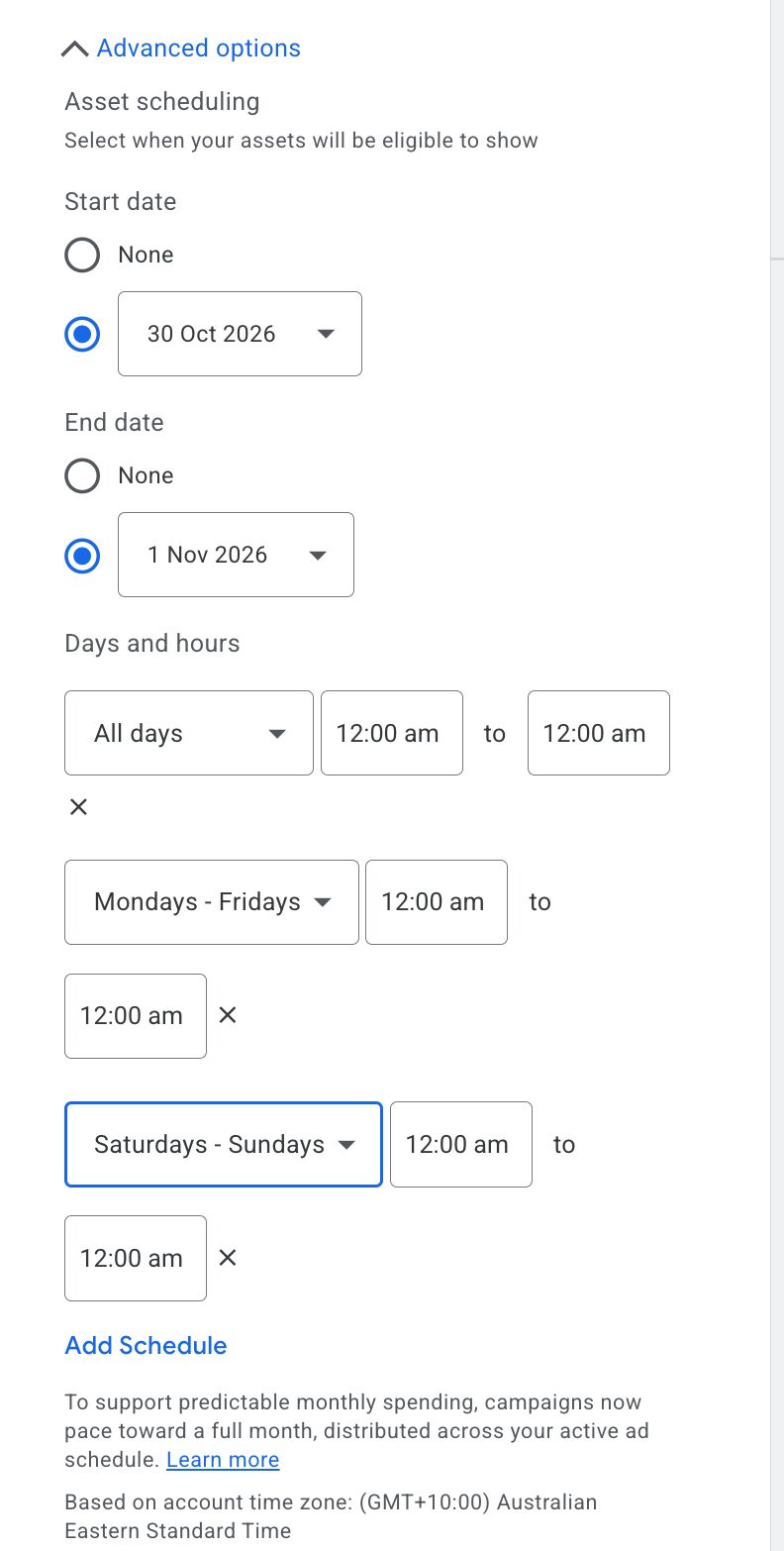
Google Ads improved the asset scheduling advanced options to let you group days, such as weekends versus weekdays and more. This can be found under the advanced options within asset scheduling in Google Ads.
Bia Camargo posted about this on LinkedIn and wrote, "Google Ads now has more flexible asset scheduling. Under Advanced options → Asset scheduling, you can now choose day ranges like:"
- All days
- Mondays – Fridays
- Saturdays – Sundays
- ...and add multiple schedules to the same asset.
Previously, you could set only the day and time, but you couldn't group them.
Here is a screenshot:
"One thing to keep in mind: campaigns now pace their budget toward a full month across your active ad schedule. Make sure your asset schedules and campaign schedules are telling the same story," Bia added.
Forum discussion at LinkedIn.