
Google has created a new help document named Manage offers on your Business Profile. Offers in Google Business Profiles is available only in select regions and languages and these can be created through Offers Post or special offers discovered through linked social media profiles.
Google already documented offer data metrics within Google Business Profiles performance metrics.
The document is located over here and says:
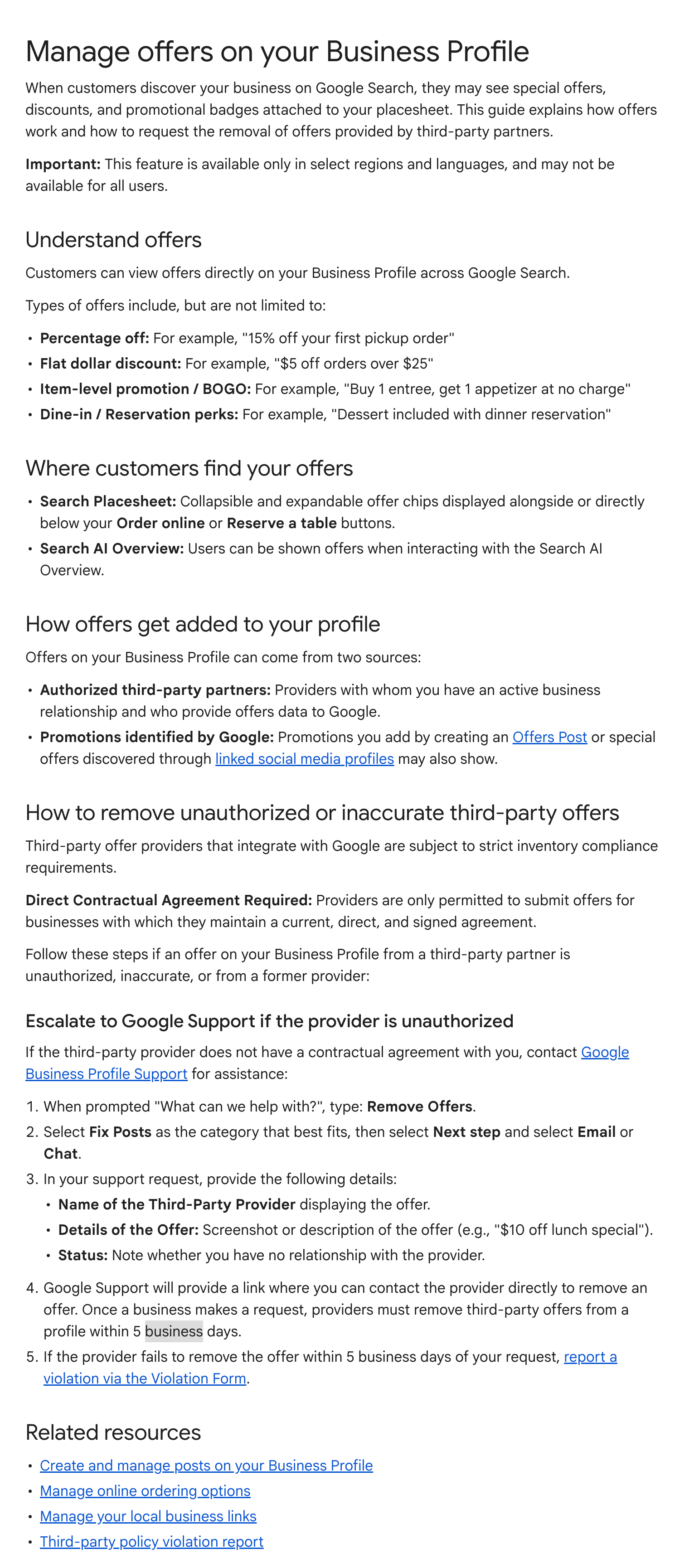
When customers discover your business on Google Search, they may see special offers, discounts, and promotional badges attached to your placesheet. This guide explains how offers work and how to request the removal of offers provided by third-party partners.Important: This feature is available only in select regions and languages, and may not be available for all users.
It is then broken down into these sections:
- Understand offers
- Where customers find your offers
- How offers get added to your profile
- How to remove unauthorized or inaccurate third-party offers
- Escalate to Google Support if the provider is unauthorized
Here is a screenshot of the current document - I will track it for changes over time:
Forum discussion at X.