
Google just sent out an email to Google Ads advertisers noting that it will turn on local inventory ads by default in your Shopping campaigns. Google added that you can change this setting by August 31st by using the "inventory filter" instead of the "Local products" setting.
Arpan Banerjee received the email and posted about it on LinkedIn saying, "this notice applies to manager accounts with Shopping campaigns linked to a Merchant Center account that has the local inventory ads add-on enabled."
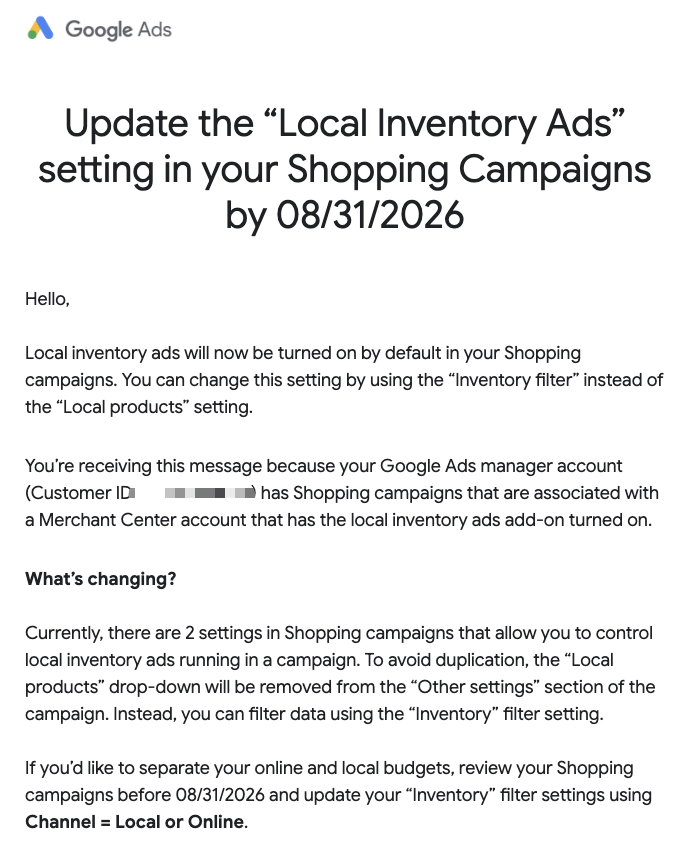
The email says:
Local inventory ads will now be turned on by default in your Shopping campaigns. You can change this setting by using the "Inventory filter" instead of the "Local products" setting.You're receiving this message because your Google Ads manager account (Customer ID) has Shopping campaigns that are associated with a Merchant Center account that has the local inventory ads add-on turned on.
What's changing?
Currently, there are 2 settings in Shopping campaigns that allow you to control local inventory ads running in a campaign. To avoid duplication, the "Local products" drop-down will be removed from the "Other settings" section of the campaign. Instead, you can filter data using the "Inventory" filter setting.
If you'd like to separate your online and local budgets, review your Shopping campaigns before 08/31/2026 and update your "Inventory" filter settings using Channel = Local or Online.
Here is a screenshot of that email:
Forum discussion at LinkedIn.
Update: The Google Ads developer blog also posted more technical details about this update.